
Photograph your package before sending it: an easier way to remember what you stored
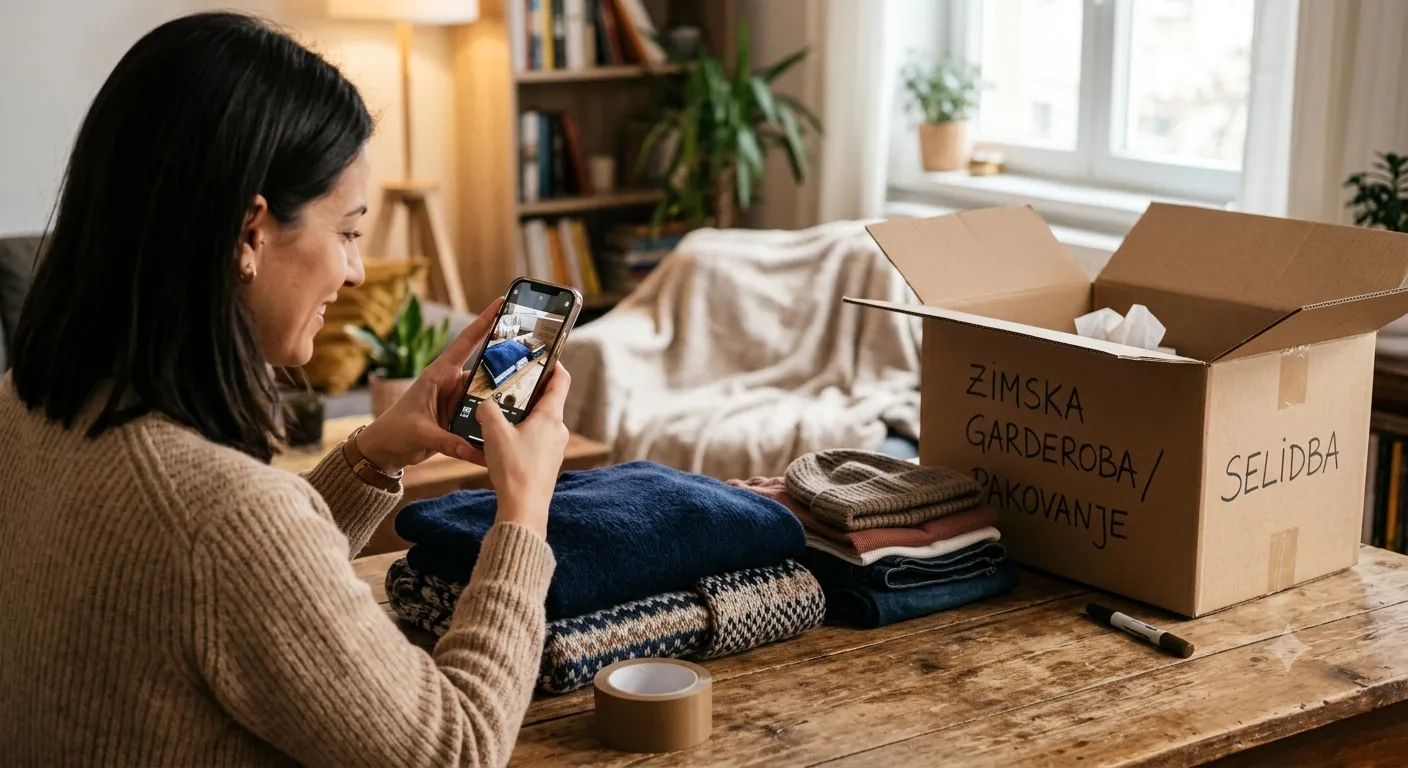
When you only have one package in storage, it’s easy to remember what’s inside. But once you have a few — winter gear in one, books in another, seasonal clothes in a third — labels like “Package #4821” don’t help much. That’s why we added the option to photograph your package before it goes into storage.
How it works
When you order a package send, the step where you enter the package details now includes an option to add a photo — straight from your camera or from your phone’s gallery. The photo shows up in the order summary before payment, so you can see what you added before you confirm.
It’s optional
Taking a photo doesn’t slow down ordering in any way — you can skip it entirely and continue as before. For anyone who wants a reminder, it takes a few seconds while the courier is on the way anyway.
Where you see it later
The photo stays attached to the package in My Orders for as long as the package is in storage. When you have several active orders and need to remember what’s where — before requesting the return of just one of them — you just open the order and look at the picture.
Why we added this
With classic storage, it’s easy to lose track after a few months — boxes don’t carry the same labels in your head as they do on paper. A photo solves that better than any description: you look at the picture and immediately know whether it’s the package you need, or a different one.
For tips on packing your items before sending them, see our article on preparing your belongings for storage.